Should You Switch to an AI Calendar? Run the Numbers. (Free Calculator)
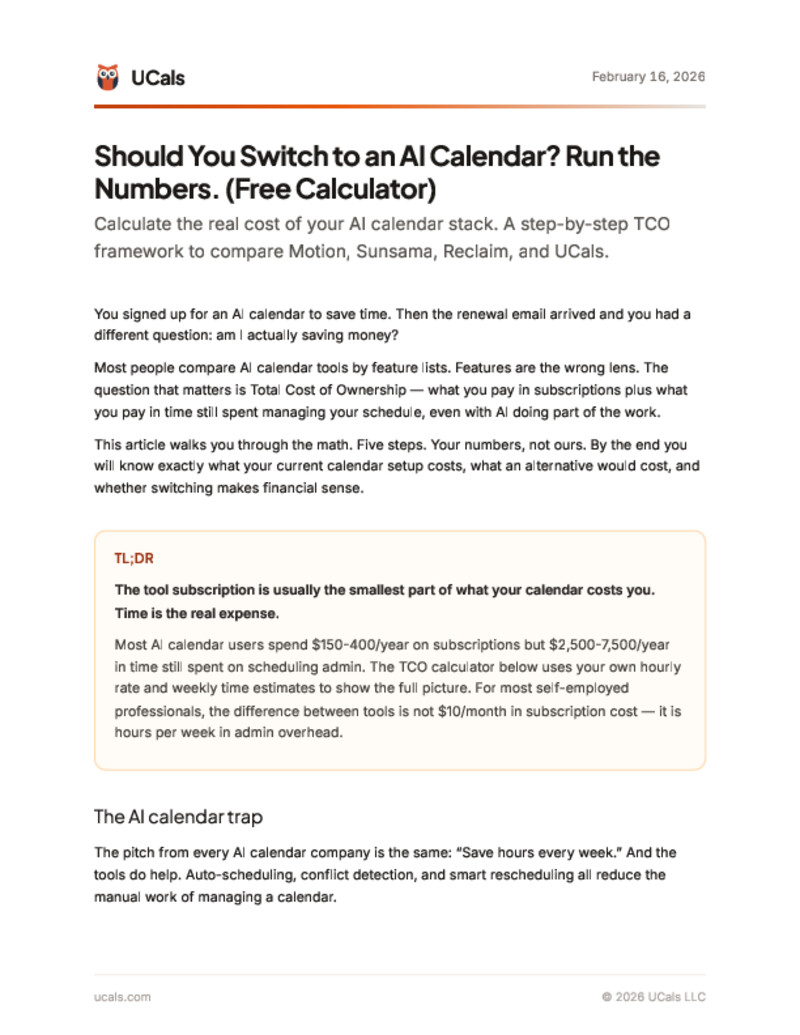
Most people compare calendar apps by monthly price and stop there. This calculator factors in the hidden costs -- time saved, features replaced, tools eliminated -- to show the real total cost of ownership for Motion, Sunsama, Reclaim, and UCals.
What's inside
- Step-by-step TCO calculator that factors in time savings, not just subscription price
- Side-by-side cost comparison of Motion ($29/mo), Sunsama ($20/mo), Reclaim (free+), and UCals ($15/mo)
- The "tool replacement" audit -- which subscriptions an AI calendar eliminates
- Break-even analysis: how many minutes saved per week justifies each tool's cost
- Real numbers from a freelancer billing $100/hour -- not hypothetical scenarios
Free. No spam. Unsubscribe anytime.
Downloaded by 72+ professionals.
Who this is for
- Professionals considering an AI calendar but unsure if the cost is justified
- Current Motion or Sunsama subscribers wondering if they are overpaying
- Freelancers and consultants who track their tools as business expenses
- Anyone who has compared AI calendar pricing pages and found them confusing
Frequently asked questions
What is total cost of ownership for a calendar app?
Total cost of ownership goes beyond the monthly subscription. It includes the time you spend on calendar management (valued at your hourly rate), other tools the calendar replaces (scheduling links, task managers, planning apps), and the productivity gains from AI features. A $15/month tool that saves 3 hours per week at $100/hour has a negative TCO -- it pays for itself 20x over.
How do I calculate if an AI calendar is worth the cost?
Track your calendar management time for one week -- scheduling, rescheduling, conflict checking, weekly planning. Multiply those hours by your hourly rate. If the result exceeds the AI calendar subscription cost, the tool pays for itself. The calculator in this guide walks you through each step with your own numbers.
Which AI calendar has the best value for money?
Value depends on what you need. At $15/month, UCals offers the lowest price for full AI calendar management. Motion at $29/month includes task management. Reclaim has a free tier with limited AI features. Sunsama at $20/month focuses on daily planning. This calculator helps you compare based on your specific usage, not just sticker price.
Can I switch AI calendars without losing my data?
Yes. All major AI calendar tools sync with Google Calendar or iCal, so your events are stored in those systems regardless of which AI layer you use. Switching means disconnecting one tool and connecting another -- your underlying calendar data stays intact.
How much time does an AI calendar actually save?
Based on user data, AI calendars save 2 to 5 hours per week on calendar management tasks -- scheduling, rescheduling, conflict resolution, weekly planning, and buffer management. The exact savings depend on how many events you manage and how often your schedule changes. The calculator uses your actual numbers to produce a personalized estimate.
Get the free calculator
Enter your email and it's yours.
Free. No spam. Unsubscribe anytime.
Published by UCals team · Last updated February 16, 2026 · 11 min read