Time Blocking That Actually Works When You're Your Own Boss (Free Starter Kit)
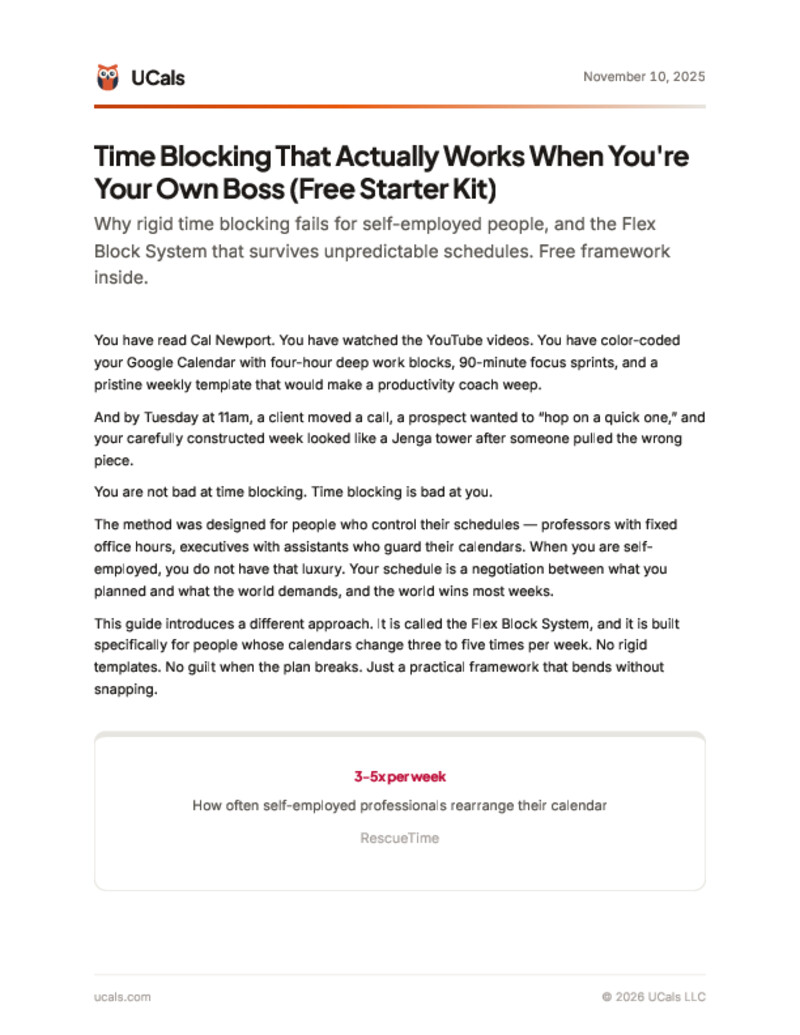
Traditional time blocking was designed for people with assistants and fixed schedules. If you are self-employed, freelancing, or running your own business, your calendar changes 3-5 times per week. This starter kit gives you the Flex Block System — a practical framework that bends without breaking.
What's inside
- The 4-block system (Protected, Flex, Buffer, Open) with clear rules for each
- A complete example week for a freelance consultant with 3 active clients
- The 3-question triage protocol for when your schedule breaks
- A quick-start checklist you can implement in 15 minutes
- 6 common time blocking mistakes and how to avoid them
- The rearrangement protocol — what moves first, what never moves
Free. No spam. Unsubscribe anytime.
Downloaded by 87+ professionals.
Who this is for
- Freelancers and consultants juggling multiple clients
- Solopreneurs who wear every hat — sales, ops, delivery, admin
- Self-employed professionals whose calendar changes 3+ times per week
- Anyone who has tried rigid time blocking and abandoned it within a month
Frequently asked questions
What is the Flex Block System?
The Flex Block System is a time blocking method designed for unpredictable schedules. It uses four block types — Protected (never move), Flex (important but moveable), Buffer (padding between blocks), and Open (intentional white space). Unlike rigid time blocking, it is built to absorb 3-5 schedule changes per week without breaking.
How is this different from Cal Newport time blocking?
Cal Newport time blocking assumes you control your entire schedule. That works for professors with fixed office hours. If you are self-employed, clients dictate timing, revenue is unpredictable, and you wear every hat. The Flex Block System builds in explicit rules for what can move and what cannot, so one disruption does not cascade through your whole week.
How much of my week should be unscheduled?
20 to 30 percent. If you work 40 hours, 8-12 of them should be intentionally open. This sounds like wasted time, but it is structural insurance. A schedule with zero slack breaks at the first unexpected event. Open blocks are what make the other 70-80 percent actually work.
Can I use this with Google Calendar?
Yes. The Flex Block System works with any calendar tool. Color-code your four block types, set up recurring protected blocks, and rearrange flex blocks manually when conflicts hit. If the manual rearranging gets tedious, AI calendar tools like UCals can handle the moves for you — you describe the change and it handles the rest.
How long before I see results?
Most people notice a difference in the first week — less guilt when plans change, fewer cascading failures, more deep work hours completed. By week three, the priority rules become automatic. The key habit is a 15-minute weekly review every Friday to ask: what stayed protected, what moved, and do I need more slack next week?
Get the free starter kit
Enter your email and it's yours.
Free. No spam. Unsubscribe anytime.
Published by UCals team · Last updated November 10, 2025 · 11 min read