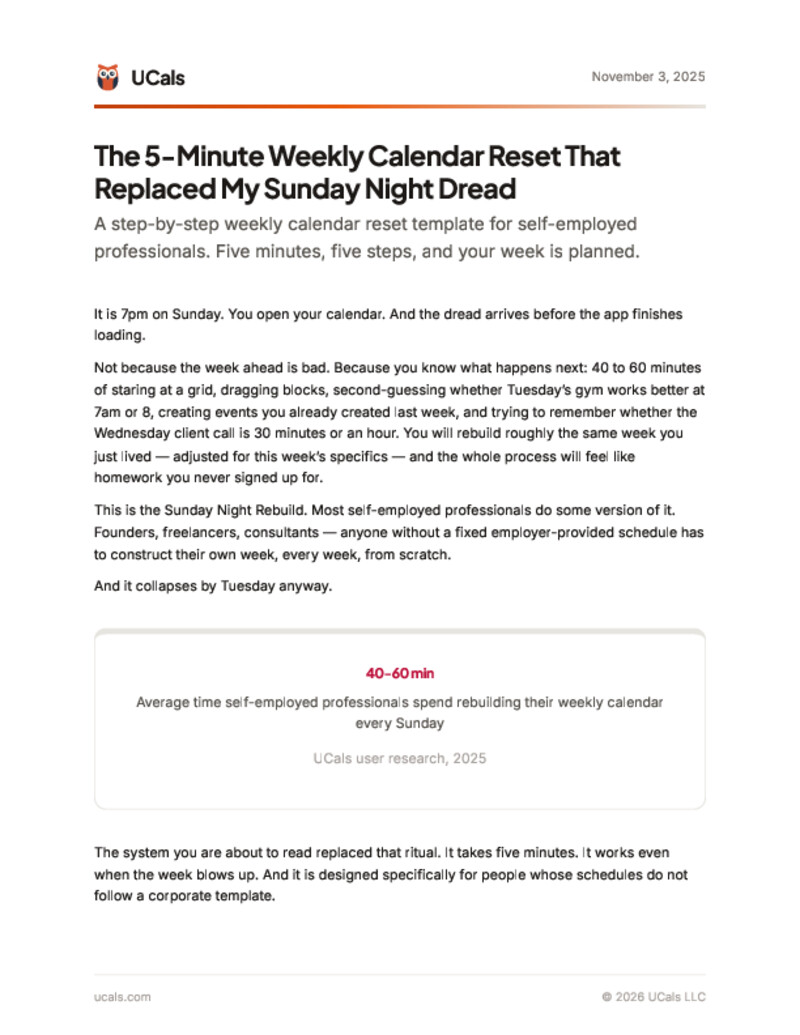
The 5-Minute Weekly Calendar Reset That Replaced My Sunday Night Dread
The Sunday Night Rebuild takes 40-60 minutes and falls apart by Tuesday. This 5-minute weekly reset replaces it with 5 questions, 5 steps, and a plan that survives contact with real life. Designed for self-employed professionals whose schedules do not follow a corporate template.
What's inside
- The 5-step reset framework: Rearview Scan, Non-Negotiables Lock, Energy Map, Buffer Check, and Reality Test
- One question per step -- no overthinking, no elaborate planning session
- The Tuesday Test: how to handle mid-week disruptions without replanning the whole week
- 5 common weekly planning failure modes and the fix for each
- A printable template you can tape next to your desk and use every Sunday
Free. No spam. Unsubscribe anytime.
Downloaded by 112+ professionals.
Who this is for
- Self-employed professionals who dread Sunday night calendar rebuilding
- Freelancers and founders whose weekly plans collapse by Tuesday
- Anyone who has tried weekly planning systems designed for corporate employees and found them useless
- Professionals who want a planning system that takes 5 minutes, not 45
Frequently asked questions
What is a weekly calendar reset?
A structured process for reviewing the past week and planning the next one. Instead of rebuilding from scratch, a reset follows a 5-step framework: scan what worked, lock non-negotiables, match work to energy, add buffers, and verify the week is realistic. Reduces weekly planning from 40-60 minutes to under 5.
Why does my weekly plan always fall apart by Tuesday?
Three common reasons: no buffer between events (one delay cascades), the plan is aspirational instead of realistic (too many hours committed), or every disruption triggers a full replan. This template fixes all three with buffers, a Reality Test that removes one thing, and the Tuesday Test for local adjustments.
Is this template designed for self-employed professionals?
Yes. Standard systems assume fixed schedules and employer-set structure. Self-employed professionals face unpredictable clients, variable energy, and no default calendar. This template accounts for all three with data-based adjustments, energy mapping for the actual week, and flexible non-negotiables.
How long does the weekly reset take?
Five minutes. Five steps, one minute each. The first few weeks may take slightly longer. By week 3-4, the pattern becomes automatic and most people finish in under 5 minutes.
Can I use this with Google Calendar?
Yes. The reset is a thinking framework, not a software feature. Works with Google Calendar, Apple Calendar, Outlook, Notion, or any scheduling tool. The five steps are the same regardless of platform.
Get the free template
Enter your email and it's yours.
Free. No spam. Unsubscribe anytime.
Published by UCals team · Last updated November 3, 2025 · 11 min read